Examples
To help you understand how WEASEL Pipeline works we have created some example pipeline elements. These examples are available in our Gitlab repository.
You may copy these example elements to your project workspace. Don’t forget to setup the required dependencies and create a virtual environment as described in the installation instructions.
Simple example scenario
Our first scenario is very simple and consists of only two elements, as described below.
The number pusher element will push integer numbers, starting at 0, with an incrementation of 1 onto an output queue named numbers, which will be created if not yet existing. We can invoke this element as follows:
We can invoke this element as follows:
python examples/number_pusher.py --amqp_uri=amqp://localhost --count=1000
Two configuration parameters are required for this element:
amqp_uri The connection URI to your RabbitMQ Server. Here, the server on localhost is used.
count Defines the quantity of numbers to be pushed onto the queue.
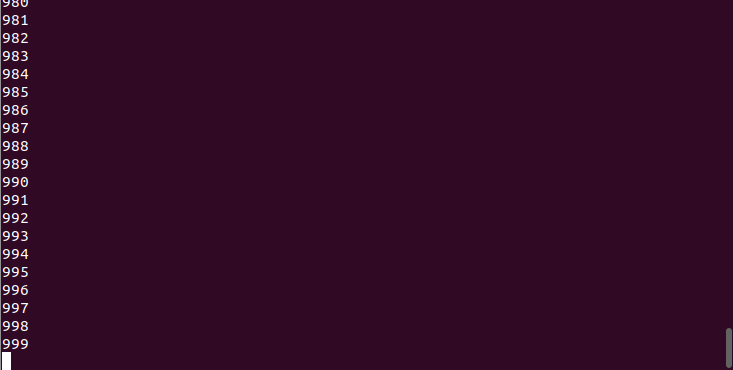
To show the progress, every number will be printed. Since the maximum queue length is by default set as 1000, a higher count will result in a waiting program. It won’t terminate until numbers get pulled from the queue and it can continue to push all of its numbers onto it.
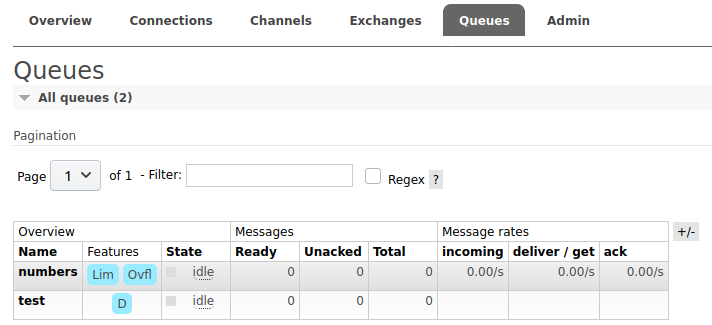
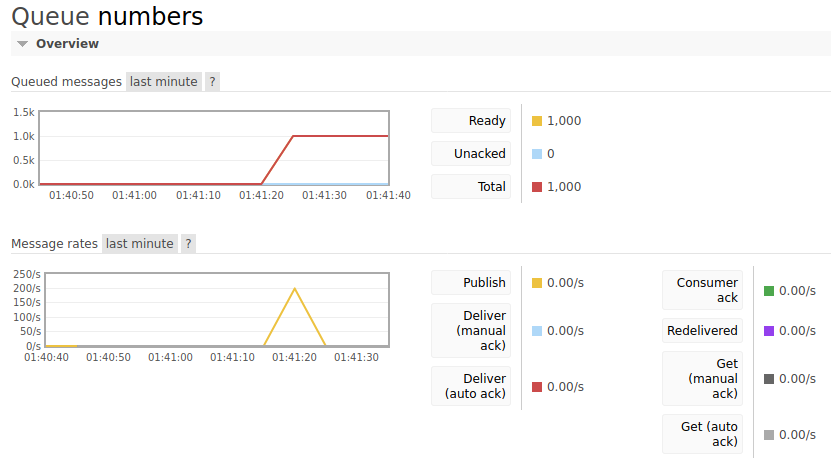
We can also use the RabbitMQ management web interface to inspect the status of each queue. We can click on the numbers queue to watch what’s happening in real time.
In the image below you can see that 1,000 messages have been pushed onto the queue. Each message consists of one value pushed by a WEASEL Pipeline element, in this case the integer numbers created by the number pusher.
The number puller element will simply pull all values from the input queue and print them. We can invoke this element as follows:
python examples/number_puller.py --amqp_uri=amqp://localhost --queue_name=numbers
Two configuration parameters are required for this element:
amqp_uri The connection URI to your RabbitMQ Server. Here, the server on localhost is used.
queue_name The name of the input queue. This will mainly be relevant for the second example scenario. Here we simply use the numbers queue.
Notice that the number puller element never terminates on its own but keeps waiting for further messages to pull.
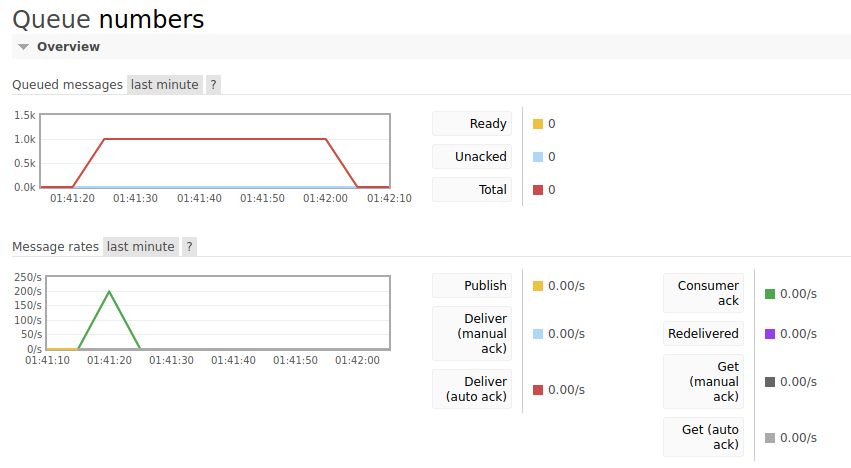
Again, the red graph from the RabbitMQ management web interface shows the progress. After the messages were pushed at 1:41, they are now pulled at 1:42, emptying the queue.
For testing purposes we suggest to run both elements with different parameters and watch the console as well as the RabbitMQ management web interface. If we execute both elements in parallel, we will see that the integer values generated by the number pusher are picked up and printed by the number puller more or less immediately. The following video file shows both elements working together:
Branched example scenario
Our second example is a bit more complex and shows how different elements can work together. Specifically, in addition to our already existing number pusher and number puller elements we introduce a new prime detector element. This element will pull the values from the numbers queue and inspect them: If the number is a prime number, it will be put to the primes queue. Otherwise it is put to the notprimes queue. This serves as an example for a simple filtering mechanism which creates a branch in our pipeline.
We will invoke our pipeline elements as follows:
python examples/number_pusher.py --amqp_uri=amqp://localhost --count=1000
python examples/prime_detector.py --amqp_uri=amqp://localhost
python examples/number_puller.py --amqp_uri=amqp://localhost --queue_name=primes
python examples/number_puller.py --amqp_uri=amqp://localhost --queue_name=notprimes
See how we are able to reuse the number puller element two times to get the numbers from the primes and notprimes queue? This flexibility and reusability is one of the central ideas of our pipelining concept!
So, when we run all elements together, we will see the numbers flowing from the number pusher to the prime detector and then, based on if the number is prime or not, to one of the number pullers. See the video file below for the complete example:
By now you should hopefully have a good understanding of the pipelining concept. If you did not do so already, have a look at the source code of all three example elements to understand how they work internally. And once you have figured this out, you can try to make some changes, e.g.:
instead of checking if numbers are prime, check if numbers are even/odd, divisible by a certain number, etc.
introduce a new element which modifies the incoming numbers, e.g. a multiplier element